Plan Downgrades:
If you received an error message when trying to downgrade your subscription, you must ensure that you are not using any of the following three “Premium” / “Enterprise” plan benefits before you are eligible to downgrade:
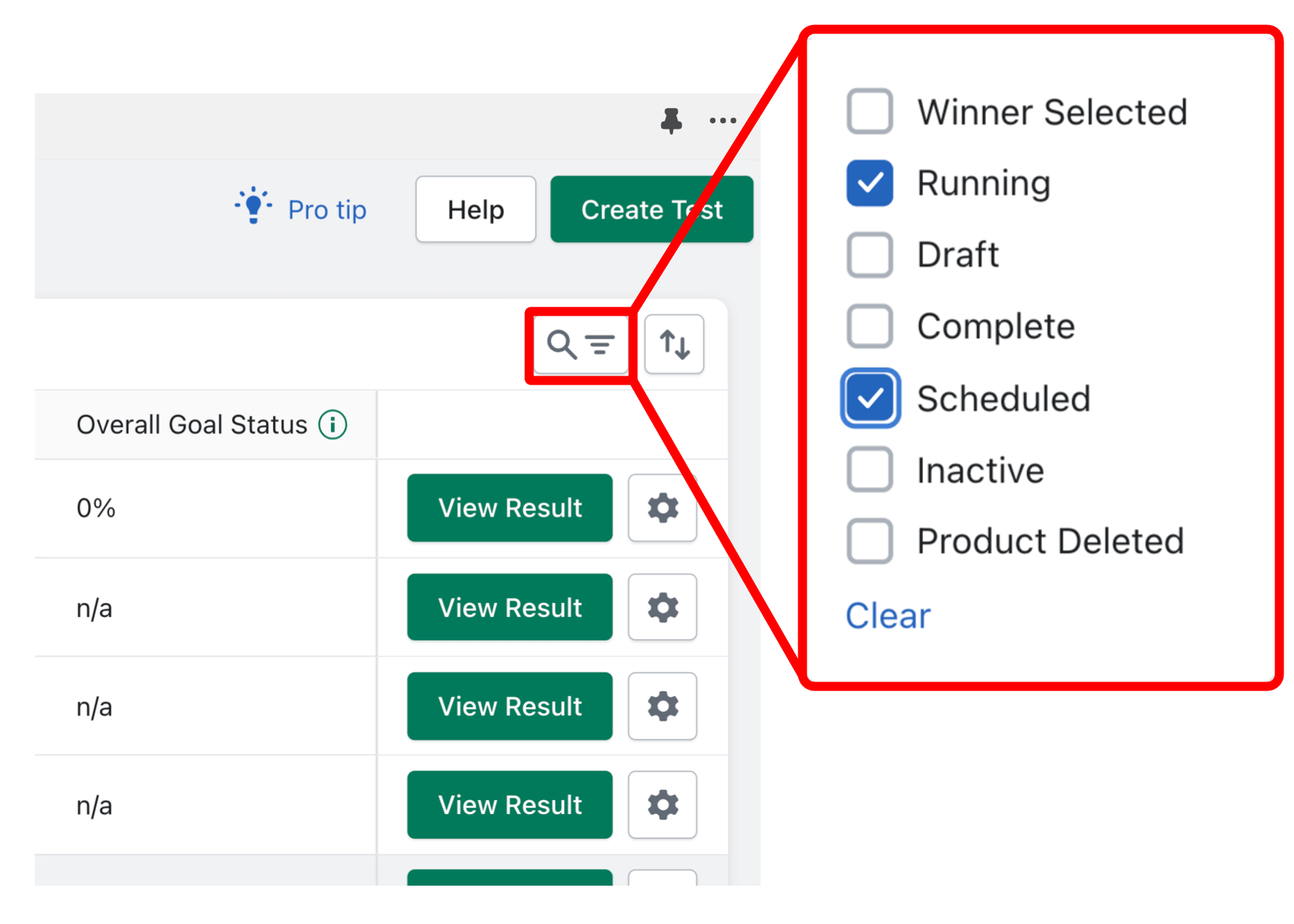
To quickly check how many running/scheduled tests you have, you can use the “Filter” feature and select “Running” & “Scheduled” tests only:
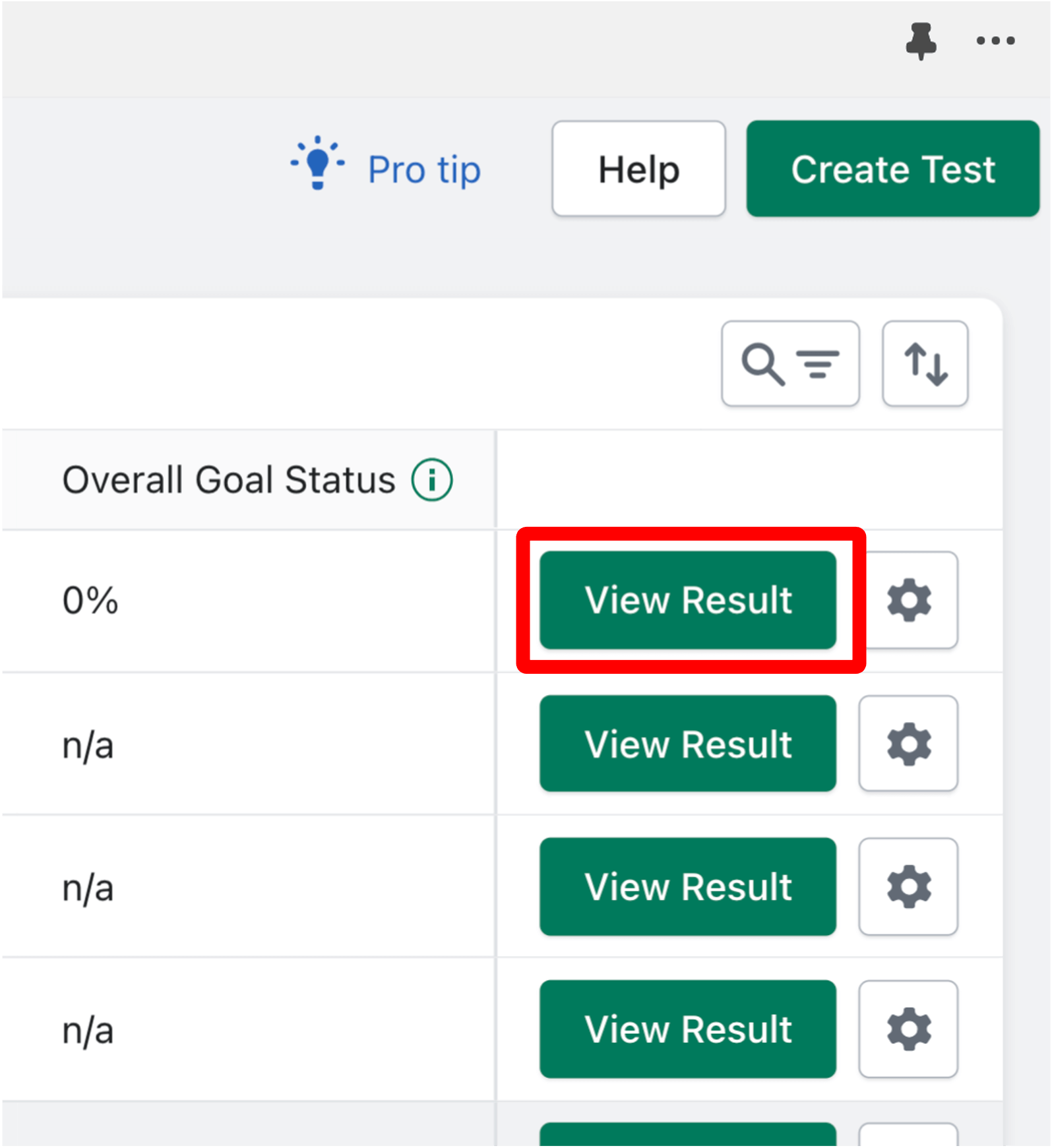
To check the number of test variants for running/scheduled tests, click “View Results” and count the number of variants:
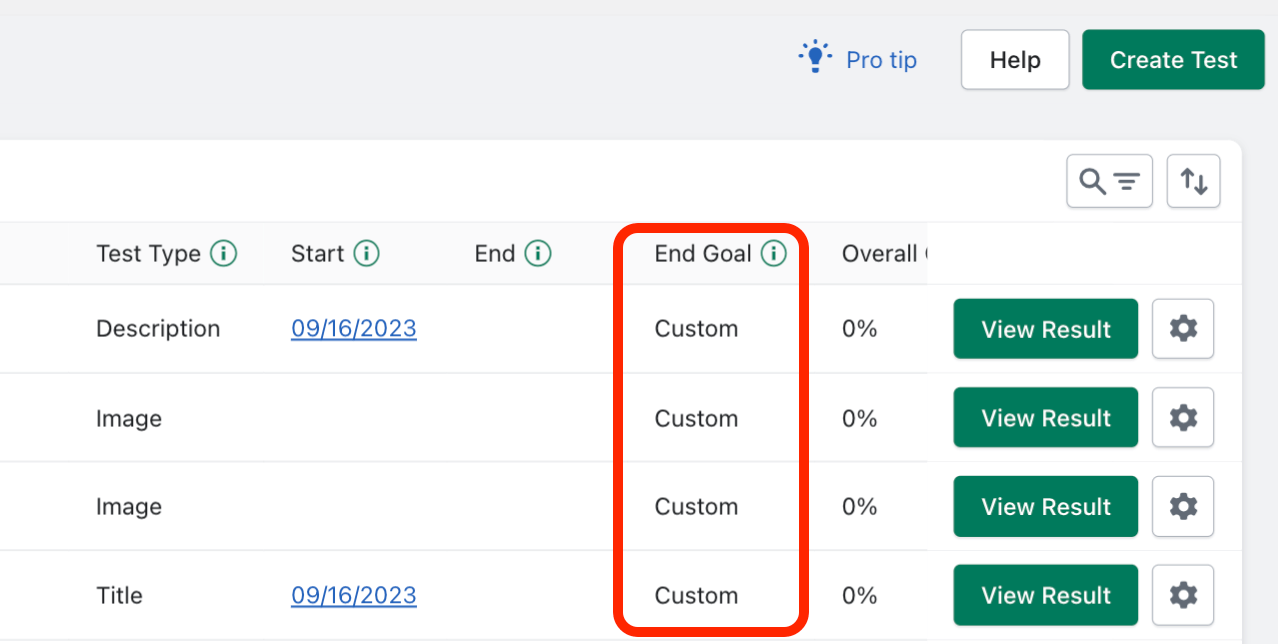
To check if a running/scheduled test is using custom parameters, locate the “End Goal” column on the Dashboard. Tests using custom parameters will say “Custom”:
How to make “Scheduled” tests eligible for plan downgrade (click gear icon):
How to make “Running” tests eligible for plan downgrade:


