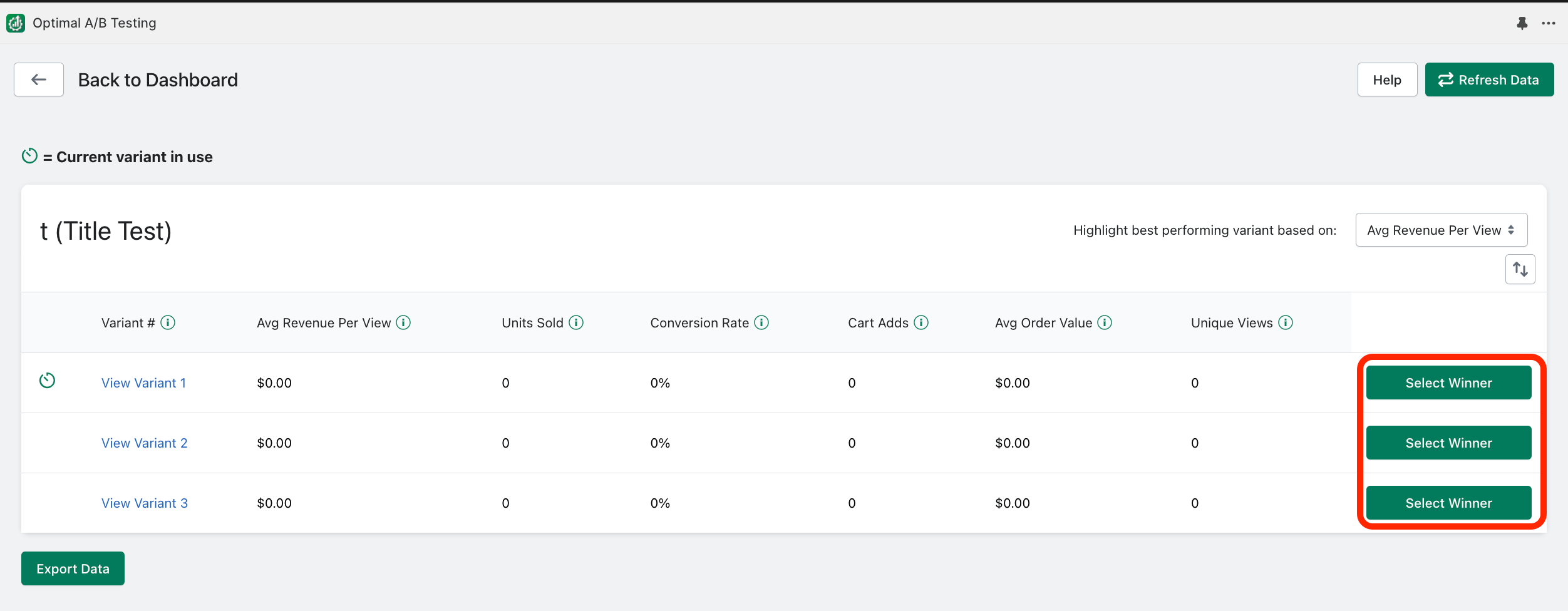
If a test has already started running (currently or at some point), you can “Select a Winner”. Selecting a winner will end running tests and immediately change the product listing to the selected variant. This variant will remain indefinitely unless you re-activate the test later or change the product listing outside of the app. To select a winner, click “View Results” and then “Select Winner”: