Depending on what kind of test you run, syncX: A/B Testing will make changes to a single aspect of your product listing on a set interval. These changes are based on different variables you want to test, such as different variations of: Prices, Images, Titles or Descriptions. As each variant is tested, we will capture data insights that will allow you to see which variant has the highest impact to your store’s profitability, see data analytics for more on this.
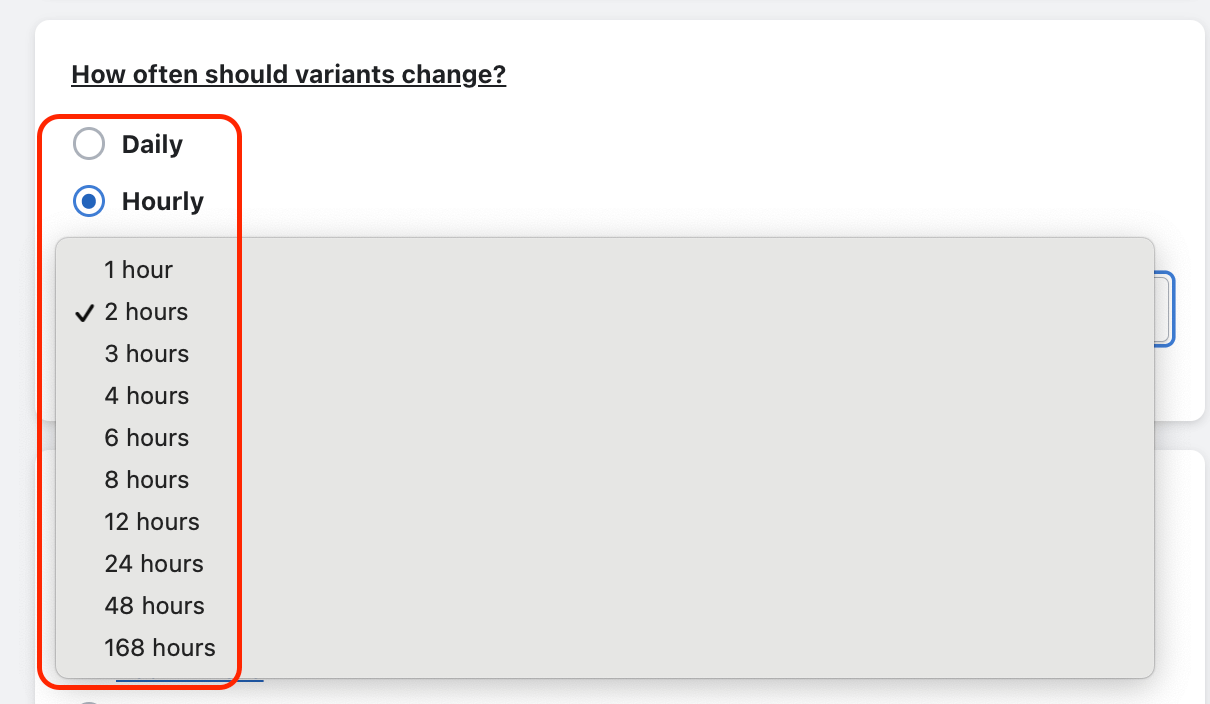
As part of creating an A/B test, you will need to decide on a frequency for how often the app will change and update the product listing to each test variant.
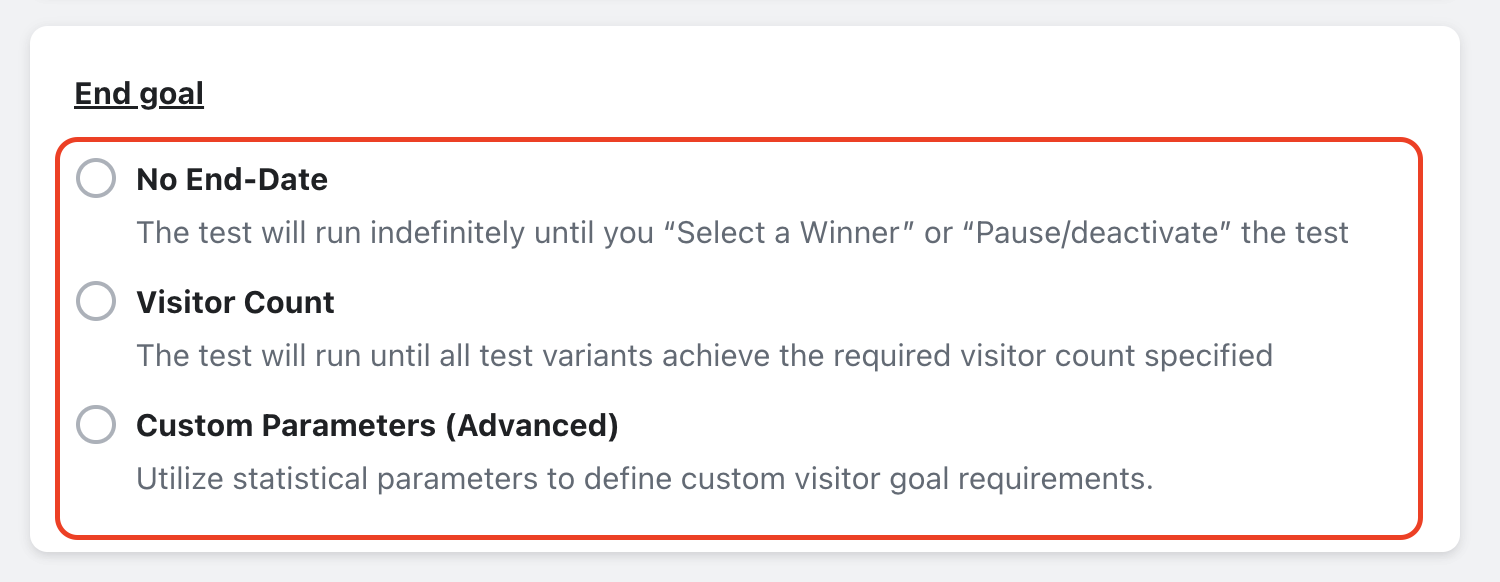
Then you will need to select an end goal for the test:
No End Date = Tests will run indefinitely until you select a winner or de-activate them.
Visitor Count= You specify the amount of visitors each variant will need to achieve (at a minimum) to end the test.
Custom Parameters = A premium feature that allows you to use statistical inputs to pinpoint your visitor goal.
“Visitor Count” & “Custom Parameter” tests offer the option for us to select a winner for you at the end of the test (based on the best performing variant). Enter your email address if you wish to receive an email notification alerting you once the test is complete:

Here is a step-by-step guide for using syncX: A/B Testing:
https://youtu.be/MhqXSxpXDZk


