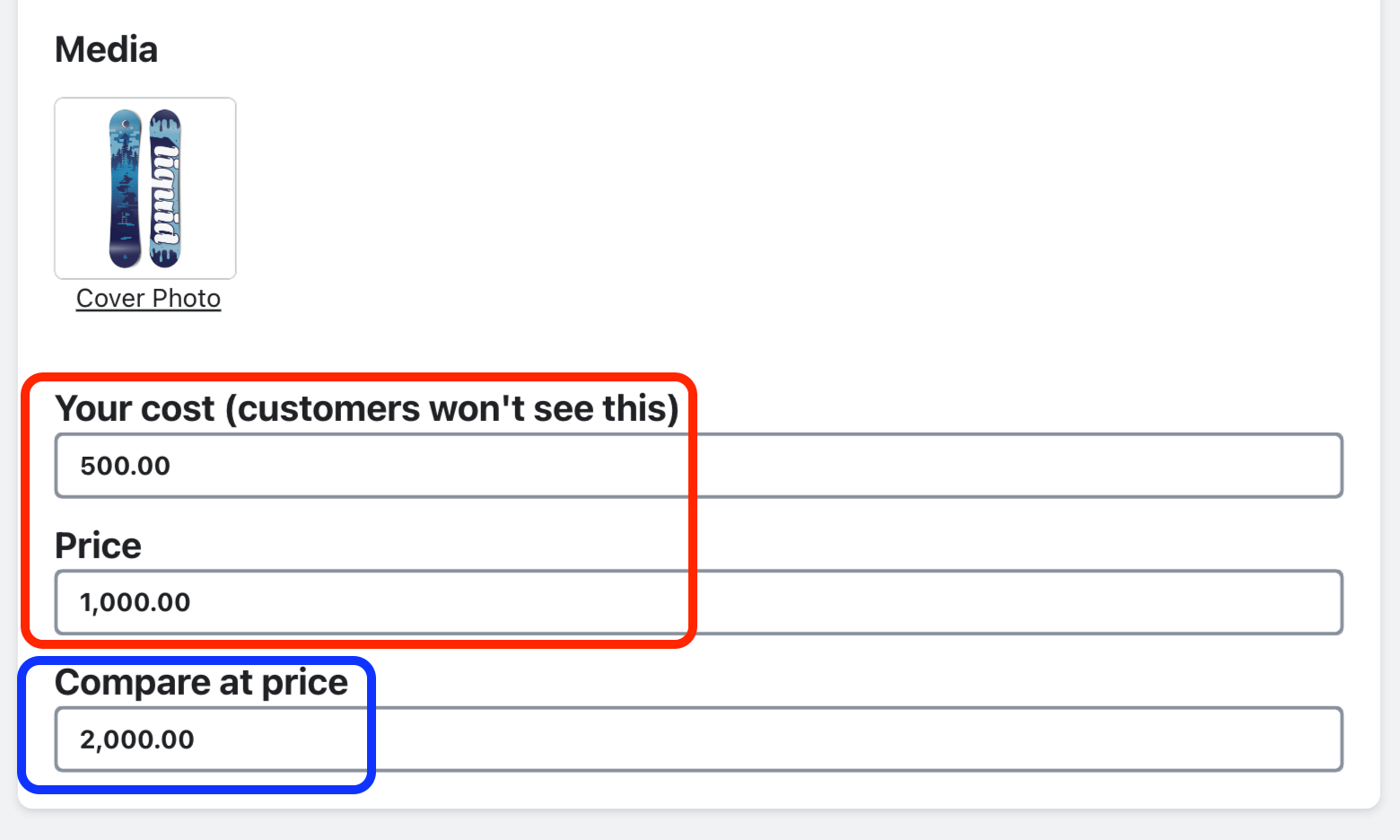
When running a price test, the product “Cost” (your cost for the product) and “Price” (what your customer will pay for the product) are both required fields. The “Compare at price” field is optional. syncX: A/B Testingwill calculate: (profit)/(views) for each price point you want to test against. This will help you determine which price point generates the highest “Average Profit Per View” for the product listing (which is the default metric we use to determine the best performing variant).