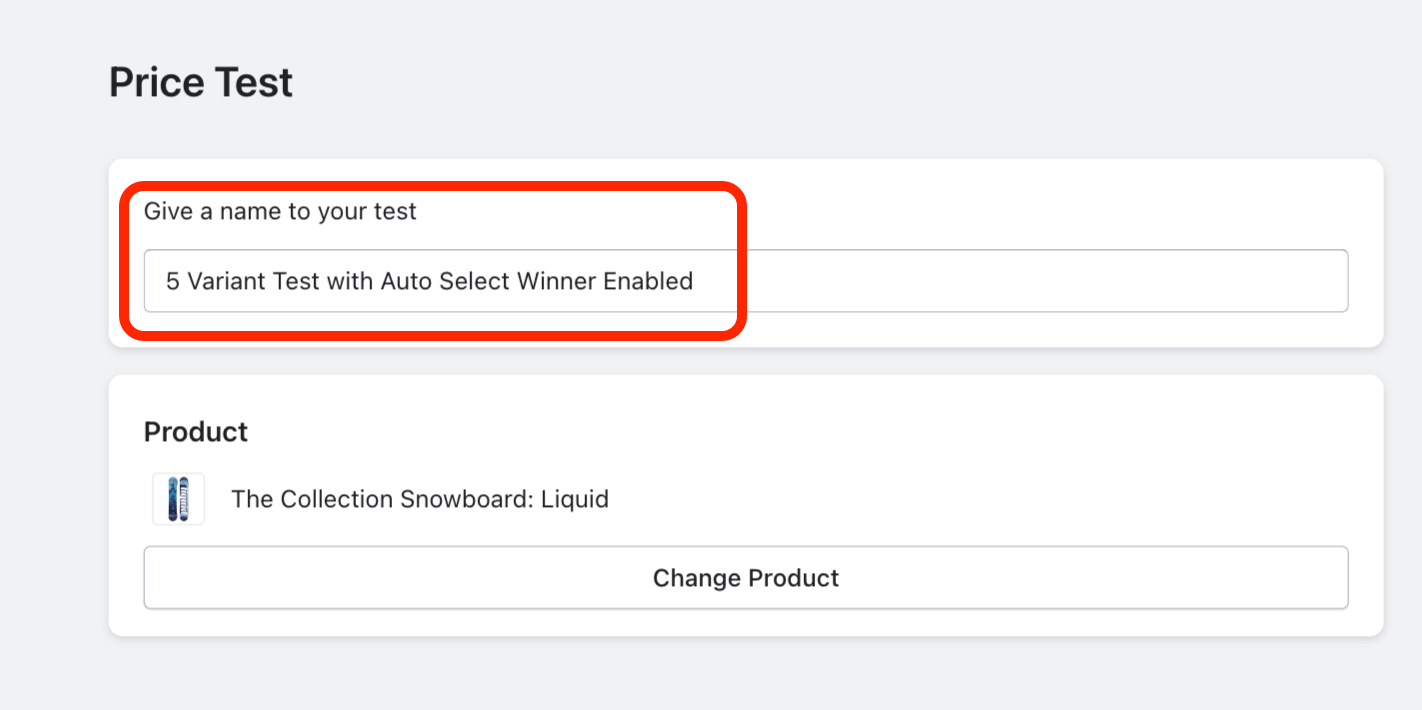
Naming Tests: Creating a descriptive name for your A/B test will help ensure you will be able to quickly identify key elements of the test at a quick glance. Customers will not see the test name; its only purpose is to assist you in keeping track of your A/B Tests:
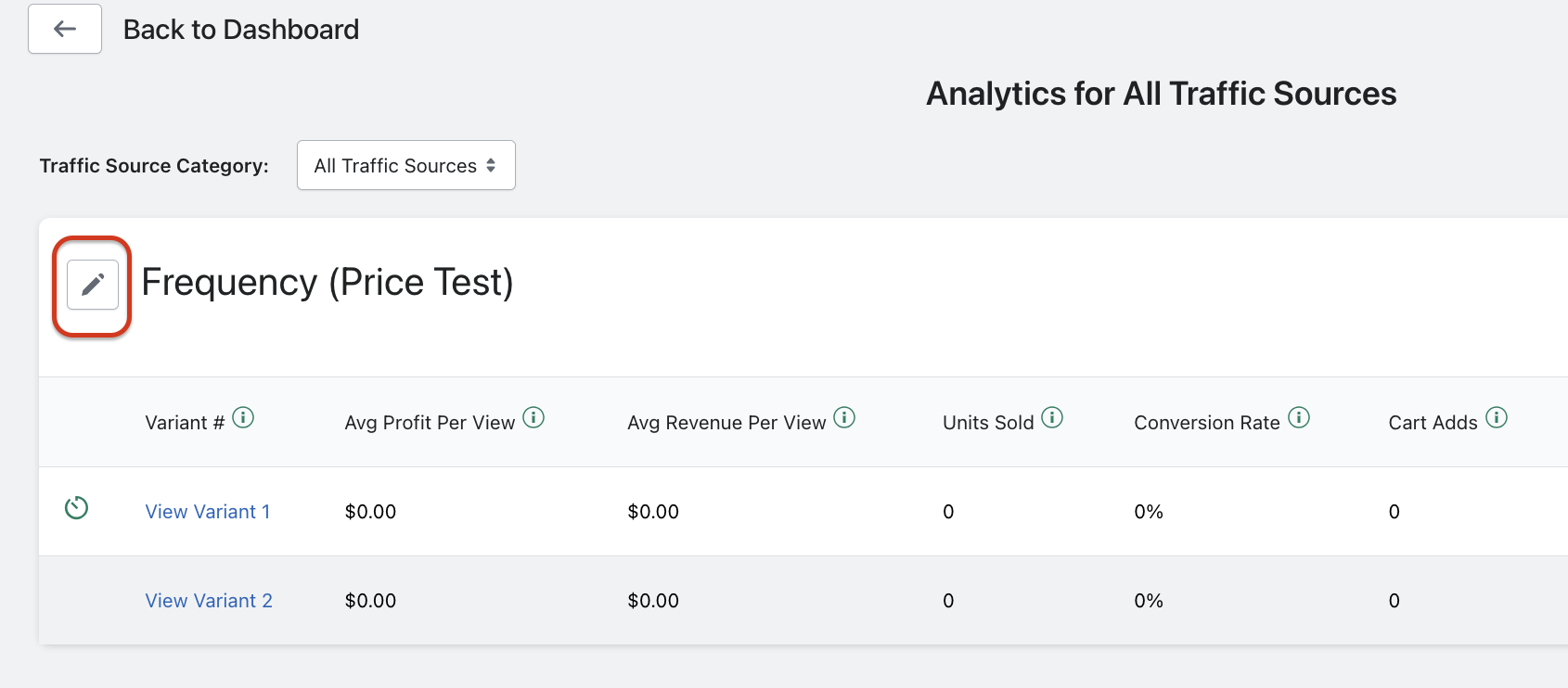
(Note: you can edit the test name after the test has started by clicking the “Pencil” button next to the test name, in the View Results page of a test):
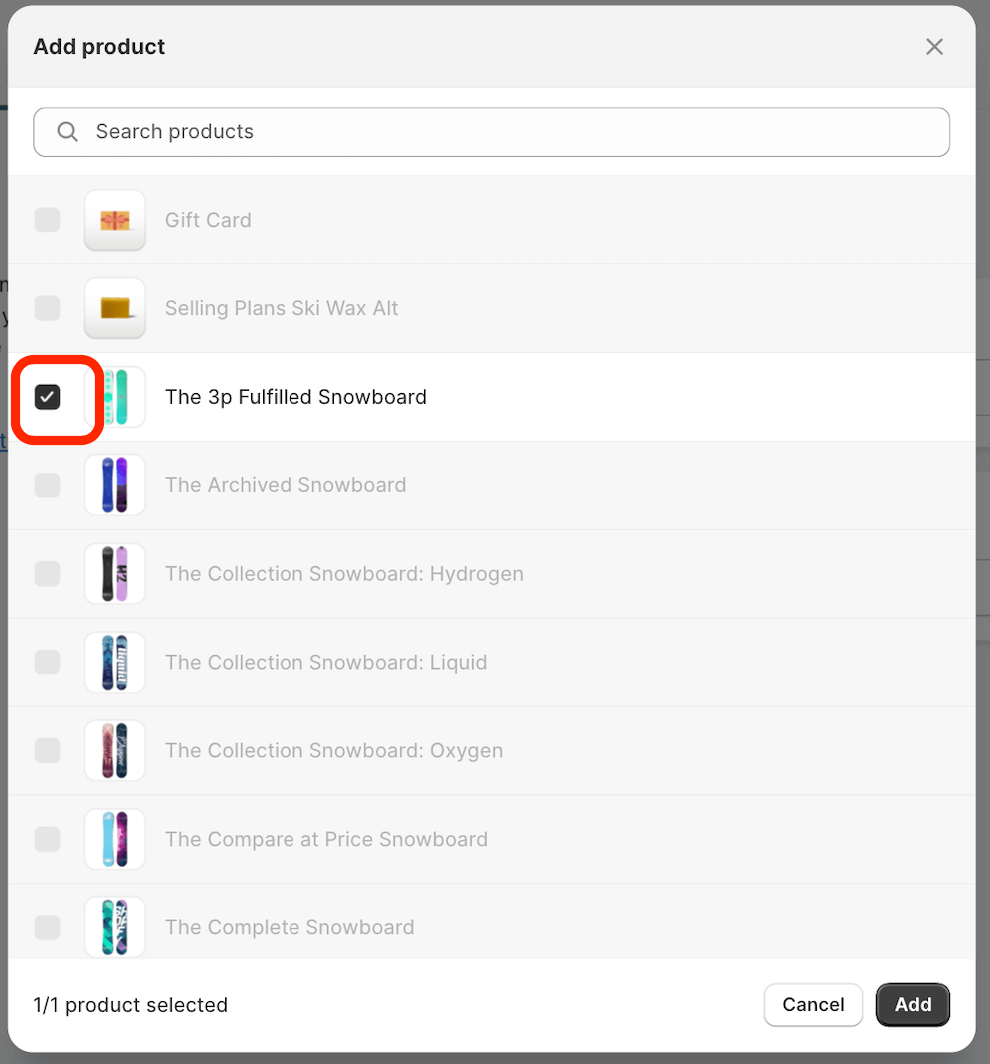
Selecting Products: Click “Select Product” on the “Test Details” screen. Keep in mind that if you wish to change the product selection, you will first need to click the checkmark next to the selected product to de-select it: