
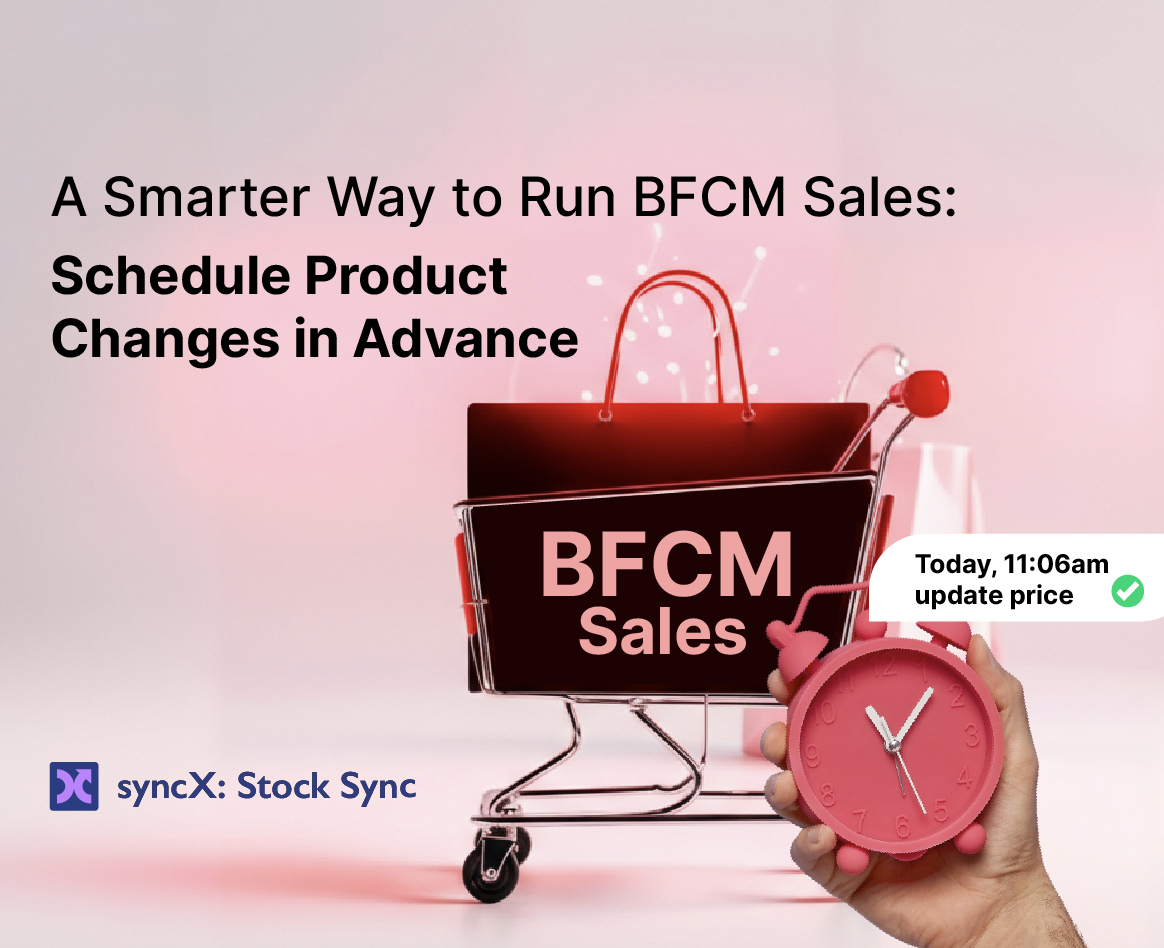
Automate Shopify BFCM: Schedule Product & Price Updates in syncX: Stock Sync


BFCM is the busiest shopping weekend of the year. But for many Shopify merchants, it also means late-night edits, last-minute price changes, and frantic bulk updates.
To help you launch promotions exactly on time — without being tied to your Shopify admin — we’ve introduced a new feature in syncX: Stock Sync:
👉 Scheduled Product Edits
Set your product or price changes today, and let Stock Sync apply them automatically at a future date and time.
This upgrade gives merchants a faster, more accurate, and fully automated way to run BFCM, Christmas, Cyber Monday, and year-end campaigns.
What Are Scheduled Product Edits in syncX: Stock Sync?
Scheduled Product Edits let you:
- Plan a bulk update in Stock Sync
- Choose the exact date and time you want it to run
- Let Stock Sync push the changes to your Shopify store automatically
For example:
- Nov 19 at 8 PM
→ Mark down products by 20%
→ Add “ON SALE –” to the beginning of each product title
This is ideal for automated promotions, holiday campaigns, flash deals, seasonal drops, and reverting products after a sale ends.
Why This Automation Matters for Shopify Merchants
1. Launch Promotions Exactly on Schedule
Search intent aligned: “schedule Shopify product updates,” “automate Shopify price changes,” “set discounts to run automatically.”
Your BFCM promotions, flash sales, or early-bird offers go live perfectly in sync with your:
- Email campaigns
- SMS pushes
- Facebook/Google ads
- Influencer posts
No delays. No manual publishing. No “Sale starts… oh wait, prices didn't change yet.”
2. Save Hours of Manual Editing During Peak Sales
Holiday seasons come with pressure. Scheduled updates remove repetitive tasks:
- No mass editing in Shopify
- No copying spreadsheets
- No forgetting a tag or missing a collection
- No babysitting your store at midnight
You plan calmly. Stock Sync executes automatically.
3. Reduce Pricing Mistakes
Humans get tired. Automation doesn’t.
Avoid errors like:
- Wrong discount amounts
- Editing the wrong group of products
- Leaving a sale on for too long
- Forgetting to restore original prices
Stock Sync applies consistent rules — every time.
4. Perfect for BFCM, Cyber Monday, Christmas, and Clearance Sales
You can schedule:
- BFCM start
- Cyber Monday boost
- Christmas promotions
- Boxing Day reductions
- New Year rollback to regular pricing
Your entire promo calendar becomes automated.
Real Examples Shopify Merchants Can Use Right Now
1. Automate Your BFCM Launch
Set a rule in syncX: Stock Sync to:
- Reduce prices by 15–30%
- Add "ON SALE –” to titles
- Add a temporary tag (e.g.,
BFCM-2025)
Then schedule it for the start time of your sale.
2. Daily Flash Deals
Examples:
- Friday: 30% off Shoes
- Saturday: 25% off Bags
- Sunday: 20% off Accessories
Each can be a scheduled edit targeting a specific collection, vendor, or tag.
3. Auto-End Your Sale
Create two scheduled edits:
- Start: apply discounts + promo titles
- End: restore original prices + clean up tags/titles
Protect your margins and avoid accidental extra discount days.
4. Sync With Supplier or ERP Updates
If your prices come from:
- A supplier feed
- ERP
- WMS
You can schedule syncs to apply updated prices or promotions from those sources at the ideal moment.
How Scheduled Product Edits Work (High-Level)
- Choose what to update
Price, compare-at price, title, tags, variants, inventory, etc. - Select which products
Collections, tags, vendors, SKUs, or filters. - Define your rules
Percentage markdowns, title formatting, tag changes, etc. - Schedule the update
Pick your date and time. - Let Stock Sync run it automatically
No manual actions required, even during peak traffic.
Why Use syncX: Stock Sync Instead?
Shopify’s bulk editor is great for quick, one-off tweaks — but it lacks:
- Scheduling
- Rules-based price changes
- ERP/WMS/supplier feed integration
- Bulk automation for large catalogs
- Time-based promotions
- Error-prevention rules
syncX: Stock Sync gives you enterprise-level automation without complexity.
Ready to Automate Your Holiday Promotions?
Scheduled Product Edits give you:
- Better timing
- Fewer errors
- Fully automated campaigns
- Less manual work during peak sales
Log in to syncX: Stock Sync and schedule your BFCM updates today — so your store updates itself while you focus on selling.





.jpg)





Start Automating Your Inventory Today


Company Reg: 1047341V
5-13-05, Block 5, VSQ @ PJ City Centre, Jln Utara, 46200 Petaling Jaya, Selangor.


