
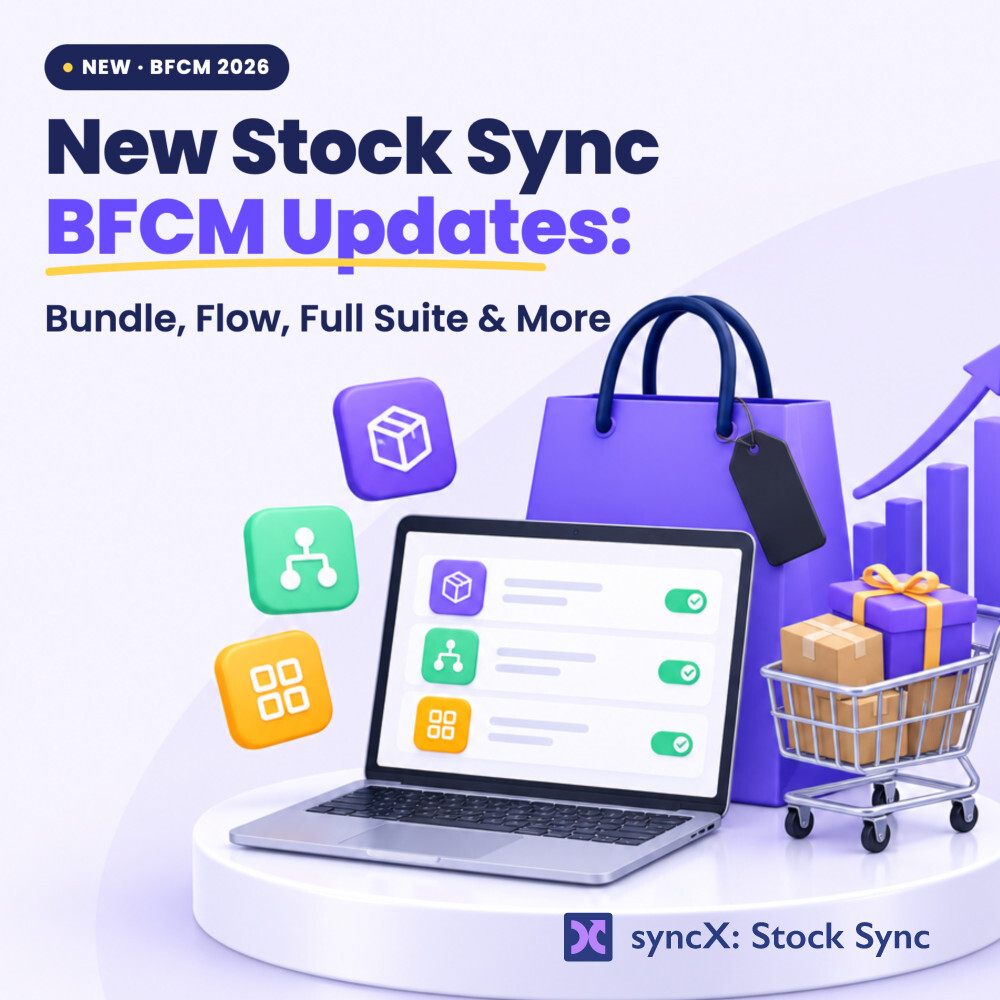
syncX: Stock Sync BFCM 2026 Updates


Stop Writing "Sorry, We Oversold" Emails: 5 New Ways to Sync Your Shopify Product Structure on Autopilot
If you want to stop refunding oversold orders caused by lagging supplier files, you need automated inventory workflows built around your exact Shopify product structure and warehouse setup. With the five new updates in syncX: Stock Sync, you can monitor feed health on a redesigned dashboard, sync bundles and variants across multiple locations in real time, clean up discontinued items with Shopify Flow templates, connect live supplier feeds via public tokens, and automate your end-to-end fulfillment stack.
Picture this: It’s Saturday morning during BFCM weekend. You pour a cup of coffee, open your Shopify admin, and see orders rolling in. Then your stomach drops. Your bestselling sneaker bundle just sold 50 units, even though your supplier only had 10 left. Their CSV didn't update overnight, and now your weekend is shot—writing 40 apology emails, processing 40 refunds, and hoping those shoppers ever come back.
You shouldn't have to babysit spreadsheets just to run a profitable store. Your inventory should match reality without you checking rows and columns at midnight. We built these updates to take that daily busywork off your plate so you can focus on growing your brand.
How syncX: Stock Sync Solves Feed Blind Spots Before You Oversell
When a supplier feed stalls out, your storefront sells stock you don't actually have. Instead of digging through buried settings to figure out what broke, you can now open the redesigned Feed Performance dashboard and check your entire operation at a single glance:
- Track feed health immediately: See how many feeds are running healthy, sitting idle, or throwing errors.
- Review 24-hour run numbers: Check how many products are in stock at your suppliers, back in stock, or missing from your latest file.
- Catch problems early: Spot stock trends across every feed before a bad sync turns into a canceled customer order.
How syncX: Stock Sync Solves Complex Shopify Product Structures Across Warehouses
When your Shopify product structure includes bundles, multiple variants, and stock spread across different buildings, one delayed update throws off your entire catalog. Manual tracking simply can't keep up when shoppers are buying fast.
With bundle real-time variant sync, you can keep your bundle and variant inventory connected automatically with real-time stock updates. Even better, you can push those updates across multiple locations—like Warehouse A, Warehouse B, and Store C—in a single run. Whenever a single variant moves, your entire Shopify product structure stays honest across every warehouse and retail store.
How syncX: Stock Sync Solves Discontinued Product Clutter with Shopify Flow
Nothing frustrates a shopper faster than adding an item to their cart only to find out your supplier discontinued it weeks ago. You shouldn't have to comb through your catalog every week to hide dead SKUs.
Using our ready-made Stock Sync Templates in Shopify Flow, you can put catalog cleanup on autopilot in three quick steps:
- Find a workflow: Search "stock sync" inside Shopify Flow to browse pre-built automation templates.
- Set it up: Pick what happens the second a Stock Sync profile run finishes—automatically tag, archive, or delete products that weren't found in your supplier's feed.
- Keep inventory in sync: Let Flow handle the busywork behind the scenes so discontinued products never linger on your storefront.
How syncX: Stock Sync Solves Delayed File Uploads with Live Supplier Inventory
Waiting around for scheduled file uploads leaves too much room for error during peak sales days. When your supplier offers a live feed, you can now pull real-time stock straight from the source.
Simply connect to your supplier using a public token, select your Shopify inventory location, and update your stock with live supplier data. You get accurate numbers directly from your supplier without wrestling with manual imports.
How syncX: Stock Sync Solves Disconnected Ops Across Your Full Suite
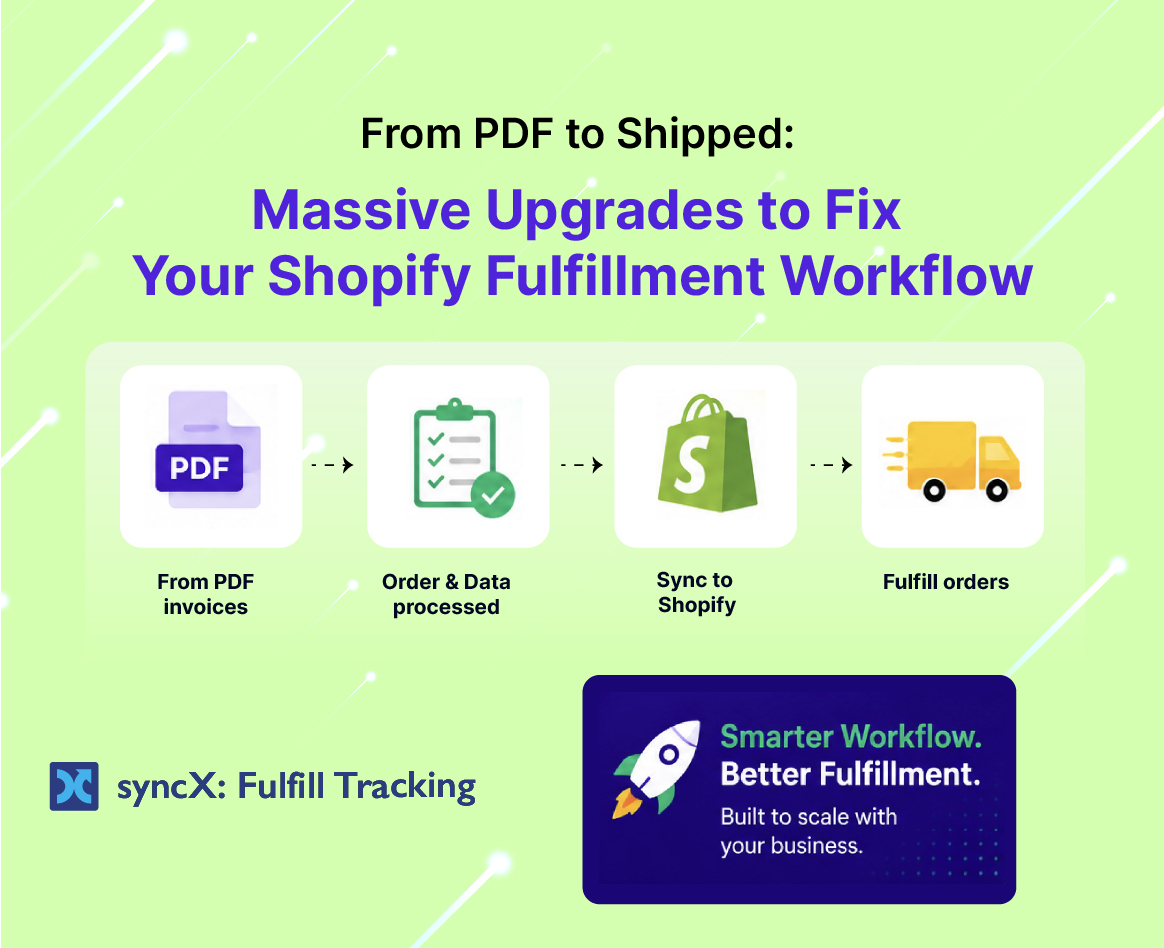
Keeping your stock counts accurate is only half the battle—orders still need to reach your warehouse, and tracking numbers still need to reach your customers. You can now unify and automate your e-commerce data end-to-end across suppliers, ERPs, 3PLs, and warehouses using the syncX Full Suite:
- syncX: Stock Sync imports products from your suppliers or warehouse and keeps your store's inventory updated.
- syncX: Order Export sends newly created online store orders straight to your fulfillment partners.
- syncX: Fulfill Tracking pulls shipping and fulfillment updates back from your 3PL automatically.
Less time fixing broken spreadsheets means more time selling—and zero "Sorry, we oversold" emails sitting in your outbox.
Ready to put your inventory on autopilot? Install syncX: Stock Sync on the Shopify App Store today.











Start Automating Your Inventory Today


Company Reg: 1047341V
5-13-05, Block 5, VSQ @ PJ City Centre, Jln Utara, 46200 Petaling Jaya, Selangor.


